









REST API Docs
WorkflowSMSEmailVoiceText-to-Speech (TTS)FaxWhatsAppRCSWebhooksAddress BookOpt-OutPartner APIAPIs, Libraries & SDKs
 REST API
 TypeScript
 SMPP
SMPP Python
 MCP
MCP .NET
.NET SMTP Gateway
 VBA
VBA Flexi API
 HTTPS API
 SOAP API
 Other Tools REST APITypeScriptSMPPPythonMCP.NETSMTP GatewayVBAFlexi APIHTTPS APISOAP APIOther Tools
 Email-to-SMS lets you send a text message by sending an email. You send a normal email to a special TNZ address (for example, 021000001@sms.tnz.co.nz), and TNZ converts it into an SMS delivered to that mobile number.
It's useful when:
The address you send your email from (for example, firstname.surname@yourcompany.co.nz) needs to be authorised in TNZ as a User before any Email-to-SMS message will go through.
If this is your first time, follow Creating and Managing Users in TNZ to add your address as a sender. You can authorise a single address, or set up a wildcard so any address at yourcompany.co.nz can send.
If you're not sure whether your address is already authorised, contact your TNZ sales representative or your account admin.
Compose your Email-to-SMS message as you would any other email.
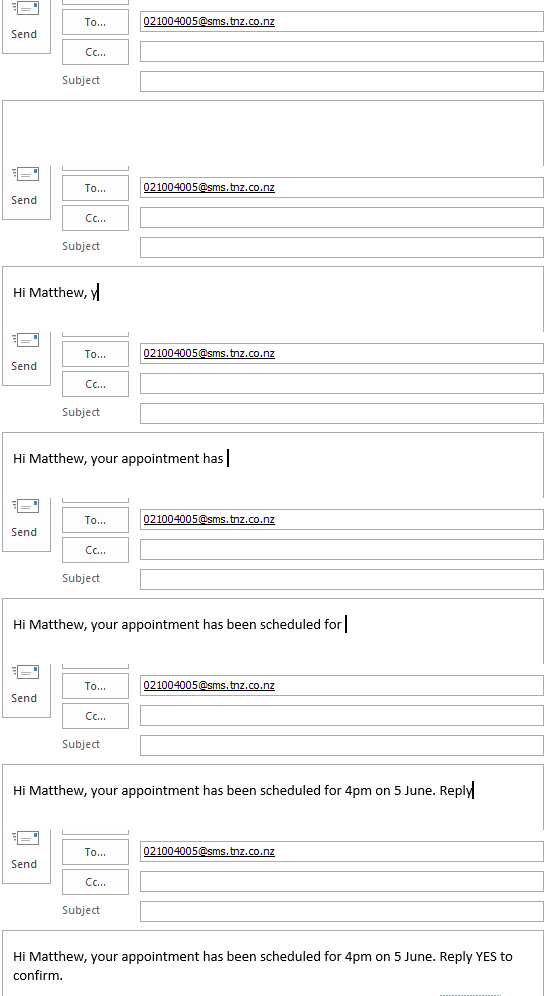
| Field | Example value | Description |
|---|---|---|
| TO | 021000001@sms.tnz.co.nz |
The Email-to-SMS email address, in the format You can also send to an Address Book Group using |
| SUBJECT | My Test Text | Your own message reference (not sent to the recipient unless your User has SMS Merge Subject enabled). |
| BODY | Hello, this is a test message. Thank you. | The text message to be sent. |
You can check the status of your message in two ways:
If the recipient replies, two things can happen:
The User's Email Report Method setting controls reply notifications. To change it, see Creating and Managing Users in TNZ, or look up the field directly in User configuration fields (API tab).
Email-to-SMS messages end up as plain SMS text on a phone, so a few formatting rules apply.
TNZ strips HTML styling before sending. Bold, italics, fonts, and colours all disappear. Write your email using plain formatting wherever possible.
A clickable link in your email becomes the raw URL in the SMS. Keep URLs short, or use the TNZ URL Shortener so the URL doesn't eat half your character budget.
They work and are great to personalise your messages. If you're sending a common SMS template, keep in mind that special characters switch the SMS to UCS-2 encoding, which drops the per-part length from 160 characters down to 70. Check the Long SMS guide for more info.
If you need to send a file (PDF, image, document), use TNZ File Link. File Link adds a short download URL to the SMS so the recipient can fetch the file. See the File Link guide.
If your User has an SMS Header or SMS Footer configured, they're added automatically to every Email-to-SMS send. See User configuration fields (SMS tab).
My email signature is appearing in the SMS.TNZ runs an algorithm that detects and strips email signatures automatically, so most signatures never reach the recipient. If yours is slipping through, add four hashes dashes ( |
The recipient sees raw HTML tags or strange characters.You're likely sending from a rich-text or HTML email client. Switch to plain text mode and resend. See Formatting your message above. |
I didn't get a reply notification email.The User's Email Report Method setting controls reply notifications. Open the User in the dashboard and check the value. Details in Creating and Managing Users in TNZ. |
The message arrived as several texts instead of one.SMS is split into parts of 160 characters (or 70 if you used emoji or accented characters). See the Long SMS guide for how multi-part messages work and how they're billed. |
The message didn't deliver to an international number.TNZ delivers to New Zealand, Australia, the UK, and most international networks. See SMS Geographies and Pricing Tiers for coverage and rates. |
Can I send multiple SMS at once?Yes. List multiple mobile numbers in the TO field, separated by commas:
For larger lists, use the Email-to-SMS Broadcast function (attach a CSV of mobile numbers), or send via the Web Dashboard, which supports importing contact lists. |
Can I send personalised SMS via Email-to-SMS?Email-to-SMS sends the same message to every recipient in the TO field. For personalised broadcasts (one unique message per recipient), use the Web Dashboard or the TNZ API. |
How many email addresses can I register?Unlimited. You can authorise individual addresses, or enable a wildcard so any address at |
Can I send long text messages (more than 160 characters)?Yes. Messages over 160 characters (or 70 with emoji or accented characters) are sent as multi-part SMS, with each part billed separately. See the Long SMS guide. |
Can I send pictures or files through SMS?Not directly via the SMS body, but TNZ File Link adds a short download URL to the SMS so the recipient can fetch the file. See the File Link product page and the File Link guide for instructions. |
Can I send texts internationally?Yes. TNZ delivers to NZ, Australia, the UK, and most international mobile networks. For coverage and pricing tiers, see SMS Geographies and Pricing Tiers. |
Can I resell your SMS service?Yes. See the TNZ Wholesale page for partner details. |
Topics: SMS
Ready to revolutionise your messaging?
Connect with people anywhere - boost engagement, responses and conversations.
20 credits over 14-days. No obligation. No credit card required.