










Changing Key Account Details
Updating account contacts and invoicing contacts
If your contact information has changed, such as Company Name, Contact Telephone, Invoicing Email Address, etc, this can be modified via the Web Dashboard:
- Log into the Web Dashboard
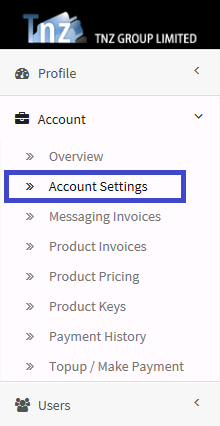
- Select Account | Account Settings
- Click Edit/Modify
- Modify necessary fields
- Click Update
Start your free trial today!
Ready to revolutionise your messaging?
Connect with people anywhere - boost engagement, responses and conversations.
20 credits over 14-days. No obligation. No credit card required.