





















Sending Calendar Events Using SMS
Send SMS reminders with automated calendar events to reduce calendar clashes
Introduction
When sending an appointment reminder, giving the mobile the ability to add the event to their phone's calendar helps prevent calendar clashes and reduces missed appointments and re-bookings.
If using the TNZ Calendar, we handle creating the event file for you.
If using our general SMS service, with File Link you can include a link inside your SMS messages that automatically updates the mobile phone's calendar.
Using the TNZ Calendar
When using the TNZ Calendar (whether directly in the Dashboard or when syncing with Google Calendar or Microsoft Online/Office365 Calendar), simply use the [[Invite]] command in your text message. This will display as a clickable link that when clicked creates an event in the mobile's calendar.
![Dashboard - Calendar - New Calendar Event [Macbook]](https://cdn.tnz.co.nz/EmailLinks/TNZ/TNZ/Help/Dashboard%20-%20Calendar%20-%20New%20Calendar%20Event%20%5BMacbook%5D.png)
Creating a Calendar Event File and using File Link
Mobiles (and desktops!) use .ics files to share calendar events.
We recommend using the Marudot iCal tool to generate an .ics file that you can include as an SMS attachment. Here's an example: Maries_Appointment_with_Dr_Smith.ics
When creating a new SMS message using TNZ's SMS service, you can attach the .ics file:
- When using the API, this is via the 'Files' parameter.
- When using Email-to-SMS, this is by attaching a file to the email.
- When using the Dashboard, this is by adding an attachment in Step One of the wizard.
Use the [[File1]] command to add a link to your attached .ics file:
| You're booked in to visit Valley Medical at 9:00am on Wed 26th May. Add this to your calendar: [[File1]] |
The Result
The mobile receives a text message with a link to create the event reminder:
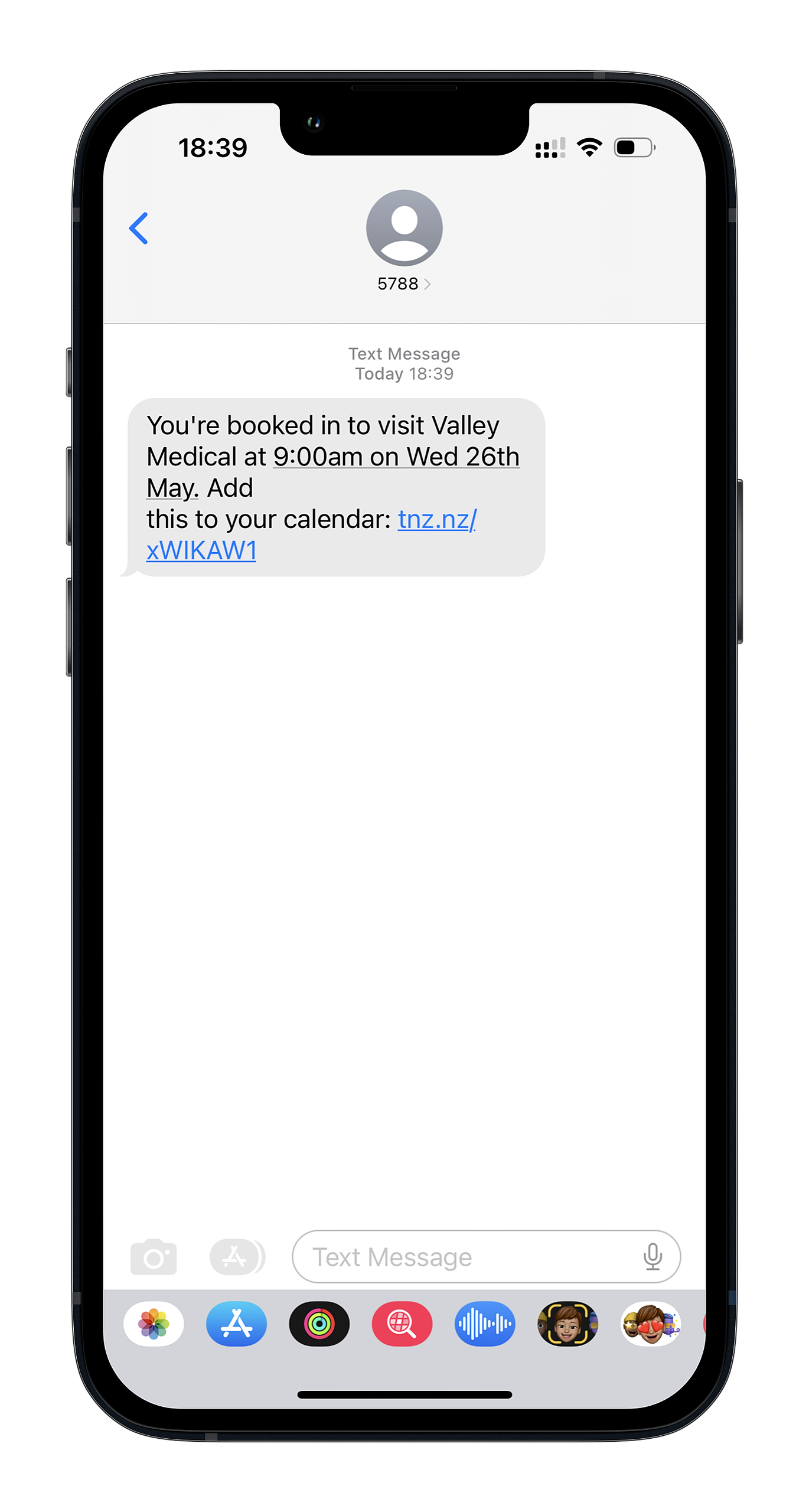
When the link is clicked, the event is easily added to the mobile's chosen calendar:

Topics: SMS